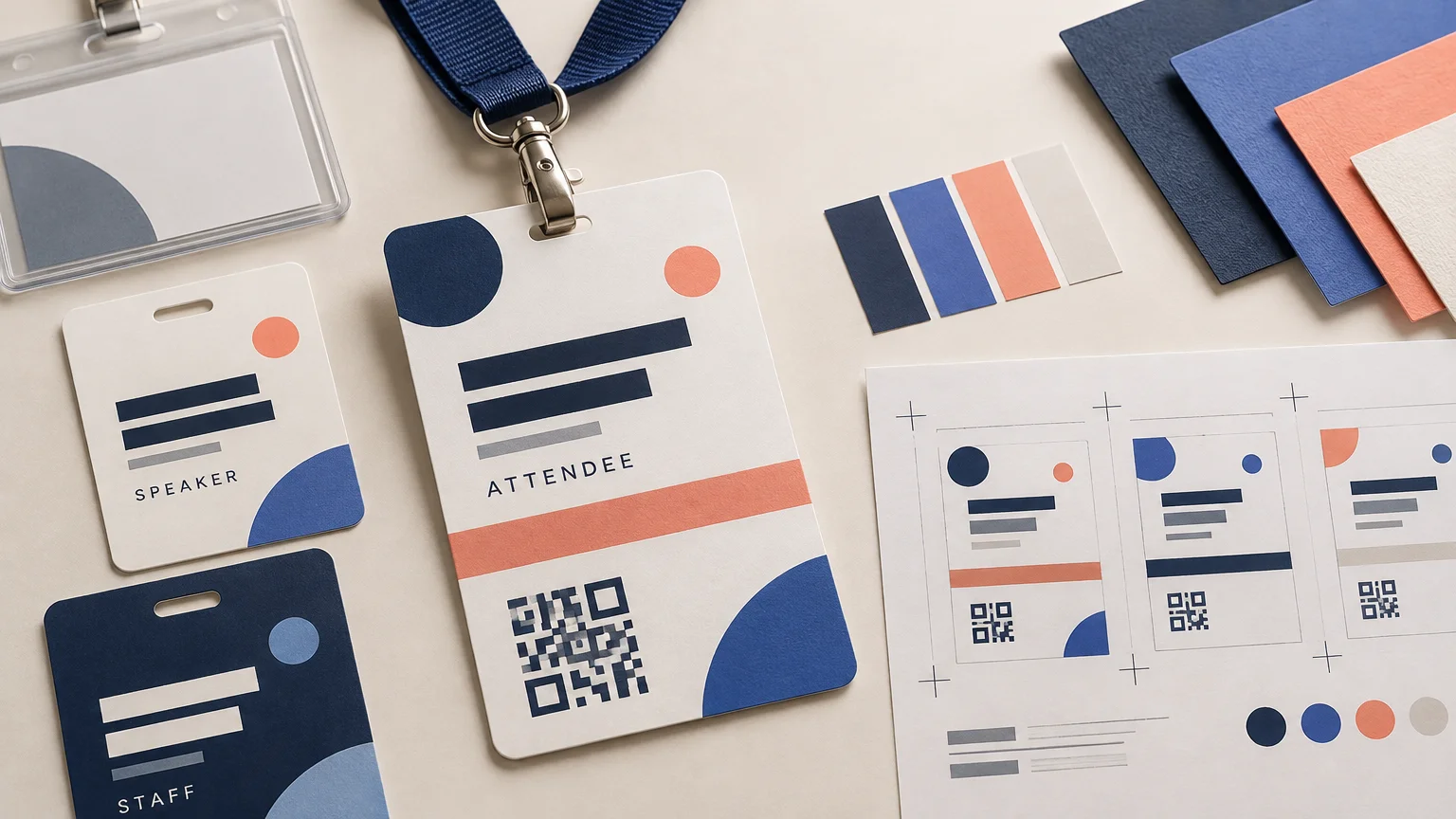
Event Badges and Name Tags: Readability Beats Decoration
TLDR
A successful event badge identifies the person first and promotes the event second. Make the attendee’s preferred name the largest element, give roles a written label instead of relying on color, and keep logos out of the identity area. Choose the finished size, stock, holder, notches, lanyard and printing workflow before laying out the artwork. If the badge includes a QR code, preserve its quiet zone and test a finished sample on the intended stock.
Build the badge around the introduction
The most important moment in event badge design is not check-in. It is the split second when one attendee approaches another and needs to read a name without staring. Decoration should support that exchange, not compete with it.
Start with the preferred first name or full name, depending on the formality of the event. Make it the strongest typographic element and give it a wide, uncluttered line. Vendor guidance suggests roughly 24–36 point bold type as a starting range, but no single type size works for every badge. Typeface width, badge dimensions, viewing distance and the longest attendee name all affect the result. Print the layout at actual size rather than judging it on a zoomed screen.
Long names require a policy, not an improvised fix during production. Decide whether the system may reduce the type size, wrap the name, tighten spacing or use a preferred-name field. Apply the same logic to long organizations and titles. Badge-production systems commonly support variable fields, but the usable space depends on the selected format and template.
Set a clear information hierarchy
Once the name is unmistakable, arrange supporting information in the order people need it. A practical hierarchy is name, organization, title or specialty, and role or access status. The event logo can remain visible without becoming the loudest object on the badge.
| Element | Recommended treatment | Common mistake |
|---|---|---|
| Attendee name | Largest, boldest type with generous width | Compressing every name into one rigid text box |
| Organization or title | Smaller than the name but readable at conversational distance | Giving secondary information equal visual weight |
| Role or access | Written label supported by a distinct shape or color | Using color as the only identifier |
| Event logo | Separate branding zone with controlled scale | Placing a large logo above a tiny attendee name |
| QR code | Square, isolated and tested on the final stock | Crowding it with borders, text or gloss |
Labels such as SPEAKER, STAFF, EXHIBITOR and VIP should be written explicitly. Color can reinforce those categories, but it should not carry the meaning alone. The W3C contrast guidance says color must not be the sole means of conveying information and specifies contrast ratios of 4.5:1 for normal text and 3:1 for large text in digital content. Those ratios are not a substitute for a physical print test, but they are a useful warning against pale type, subtle role bands and fashionable low-contrast palettes.
Choose the badge system before designing the face
Common event badge formats include 4 × 3, 4 × 6 and approximately 4 × 5.5 inches. The right choice depends on how much variable information is required, whether a QR code must be scanned, and what holder or onsite printer will be used. Establish the finished size, orientation and attachment method before creating artwork.
Lanyard behavior deserves particular attention. A portrait badge suspended from one central clip can rotate and display its blank back. A two-notch badge paired with a double-clip lanyard is designed to remain facing forward. Another option is to print useful content on both sides, so a turned badge can still show the attendee identity or provide a map, schedule, Wi-Fi details or emergency information. Keep text and graphics clear of slots and notches according to the printer’s dieline.
Treat the QR code as functional print content
A badge QR code might open an attendee record, support lead retrieval or direct someone to event information. Whatever its purpose, it must survive printing, handling and imperfect scanning angles.
Keep the code square and uncropped, with no decorative frame intruding into it. DENSO WAVE requires a quiet zone four modules wide on every side. Its guidance also explains that encoded data, code version, module size and printer capability affect the necessary physical dimensions, so a convenient template size is not a universal guarantee. Review the QR code area guidance from DENSO WAVE before approving the layout.
Matte stock is the safer choice when scanning is important because glare from gloss can interfere with a reader. Test the exported code at several realistic angles and distances, then scan an actual finished badge under the lighting expected at check-in or on the show floor.
Confirm the destination before printing. Adobe describes QR codes generated in Adobe Express as static, meaning their destination cannot be edited after generation. An organizer-controlled redirect or an appropriate dynamic QR service is necessary when the destination may need to change after production.
Match the stock to the event workflow
Paper and reinforced direct-thermal stocks suit many onsite-printing systems, while PVC is a more durable option for credentials expected to last through extended handling. Flexible adhesive name badges form a separate category: they work without a lanyard and move with clothing, but they are not suitable for every fabric or surface. Avery specifically warns against applying its removable adhesive badges to materials including leather, silk, suede, velvet and vinyl.
The production method should drive the material decision. A short networking session may only need an adhesive badge. A conference with access control, repeated scanning or multi-day use benefits from a more structured credential. If the wider event kit includes branded handouts, envelope seals or attendee gifts, custom stickers and labels for the supporting print pieces can carry the visual system beyond the badge without crowding its face.
Proof the difficult records, not the convenient ones
Do not approve a badge using a short sample name and a placeholder QR code. Build a proof set containing the longest names, organizations and titles; names with diacritics or atypical characters; every role and access treatment; and every type of QR payload. Include both sides when applicable. This exposes text fitting, missing glyphs, hierarchy problems and scanning failures before they affect a full attendee list.
- Confirm finished dimensions, orientation, stock and attachment hardware.
- Print difficult records at 100% scale and view them from conversational distance.
- Check that every role is identified with words as well as color.
- Scan each QR type from a finished sample on the intended stock.
- Inspect both sides and verify clearance around slots, notches and trim.
- Confirm bleed, fonts, linked assets, color settings and export requirements with the printer.
Adobe identifies 0.125 inch, or 3 mm, as a typical bleed convention, but the printer’s specification always controls. Its commercial-print workflow also recommends checking fonts, links, margins, bleed and color settings before exporting a print-ready PDF. Adobe’s print-ready PDF guidance provides a useful preflight baseline. You can also use our artwork preparation guide to organize the wider file handoff.
The final design decision
Choose the badge layout that lets someone identify a person first, understand their role second and interact with any code third. Lock the physical badge system before designing, reserve the strongest visual space for the attendee’s name, and approve production only after an actual-size printed proof. A badge can still look polished and distinctive—but its decoration has earned a place only when the introduction remains effortless.
References
- Conference Badge Design That Reads at Six Feet | 4OVER4.COM
- Designing and printing event badges – Glue Up
- – The size of font used for each line, if not specified by the client, is decided by our production team. It will be determined by the length of the longest item for that field.
- Understanding Success Criterion 1.4.3: Contrast (Minimum) | WAI | W3C
- Badge Options: Sizes, Notches, Sleeves and Lanyards | Expo Pass Help Center
- How Badge and Lanyard Printing Works – Onsite Operations Guides
- Name Badge Templates for Events | Printable Name Badge Designs | EventCreate
- Point for determining the code area | QRcode.com | DENSO WAVE
- Badge Stock Requirements – Eventscribe Support Center
- Add QR codes to designs | Adobe Express
- Flexible Adhesive Name Badges, White 5395 | Avery
- Produce print-ready PDF files in InDesign | InDesign
- Print bleed and slug areas in InDesign | InDesign